How to Create Irasutoya-Style Stickers for WhatsApp, LINE & Telegram
The cute, simple style of Irasutoya illustrations makes them perfect for chat stickers. Here's how to create your own custom Irasutoya-style sticker packs using AI.
Why Irasutoya Stickers Work So Well
Irasutoya illustrations have qualities that make them ideal stickers:
- Simple and clear — they read well at small sizes
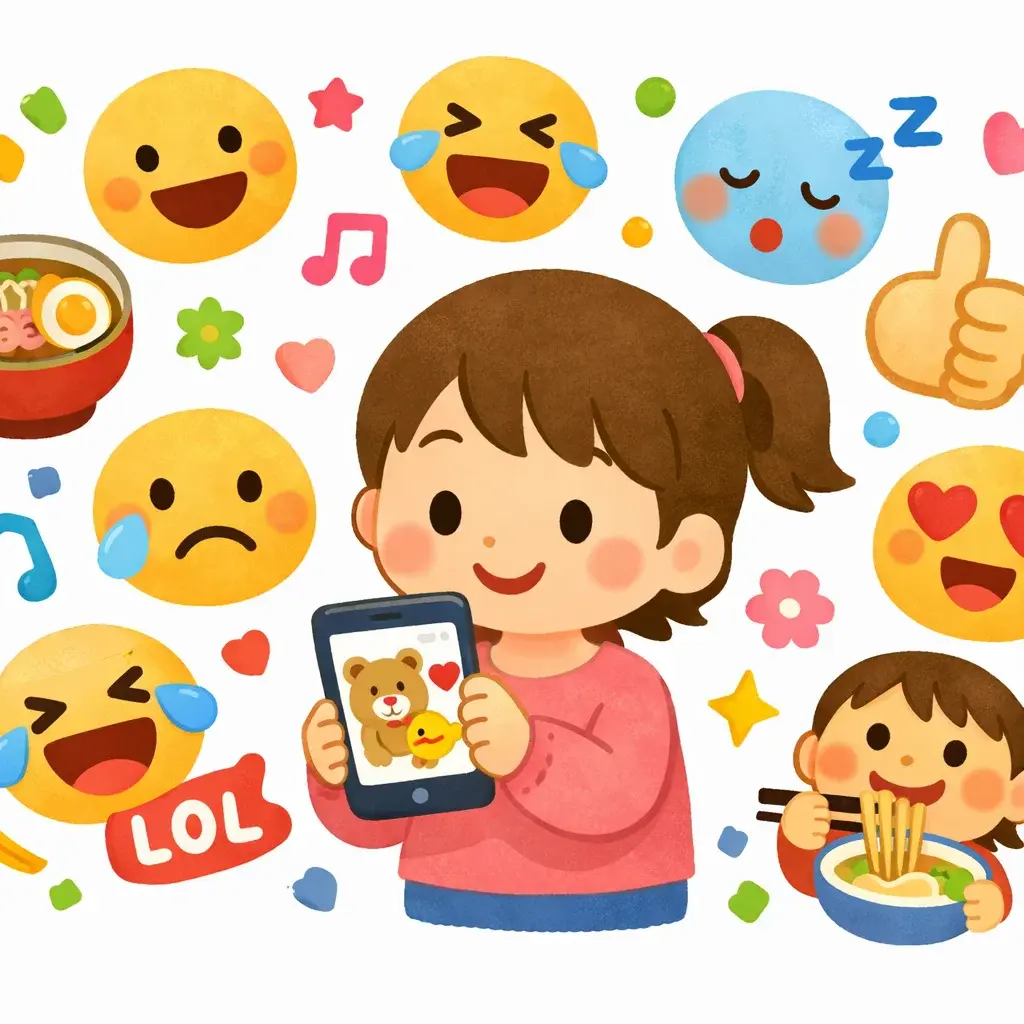
- Expressive characters — emotions are easy to understand at a glance
- Light, clean backgrounds — perfect for transparent sticker formats
- Universally cute — everyone loves the Irasutoya style
Step 1: Generate Your Sticker Images
Visit Irasutoya Maker and generate characters with clear emotions and actions. Great sticker prompts include:
Emotions:
- "A happy person jumping with excitement"
- "A sad person crying with tears"
- "An angry person with steam coming from their head"
- "A person laughing so hard they're crying"
Reactions:
- "A person giving a thumbs up"
- "A person clapping hands"
- "A person bowing deeply"
- "A person waving hello"
Daily life:
- "A person drinking coffee in the morning"
- "A person sleeping at their desk"
- "A person eating a huge bowl of ramen"
- "A person running late with toast in their mouth"
Generate 10-20 images to make a complete sticker pack.
Step 2: Prepare Your Images
After downloading your generated images:
- Crop to focus on the character (remove excess background)
- Resize to meet platform requirements:
- WhatsApp: 512 × 512 pixels
- LINE: 370 × 320 pixels (max)
- Telegram: 512 × 512 pixels
- Remove background if needed (many tools like remove.bg can help)
Step 3: Upload to Your Platform
WhatsApp: Use the Sticker Maker app (Android) or similar iOS apps. Import your images and create a sticker pack.
LINE: Use LINE Creators Studio to create and even sell your sticker packs.
Telegram: Use the @Stickers bot to create a new sticker pack. Upload your images one by one.
Pro Tips
- Keep it consistent — use similar prompts to maintain a cohesive style across your pack
- Think about common reactions — what do you say most in chats? Make stickers for those
- Add text later — you can add text labels in your image editor for extra expressiveness
- Make a theme — office stickers, food stickers, pet stickers — themed packs are more fun
Start Creating
Ready to make your own Irasutoya sticker pack? Head to Irasutoya Maker and start generating. It's free, and you'll have a unique sticker pack in minutes!