Can AI Draw Cartoons? We Tested 9 Styles
The pitch for AI drawing tools is always the same: "type anything, get a cartoon in seconds." The reality is messier — some styles work great, some styles struggle with specific subjects, and the marketing pages never show you the failure cases.
We spent a week generating the same test prompts in the original seven AI cartoon styles, then added Paper Cut and 80s Retro through separate style-specific evaluations. We tracked what each style nailed and what it botched. Here's what actually works in 2026 and what doesn't.
The Test Setup
We used the same three prompts across all nine styles:
- Character: "a friendly woman with glasses, wearing a yellow raincoat, holding a red umbrella, smiling"
- Scene: "two people drinking coffee at a small café by a rainy window, cozy atmosphere"
- Meme: "a very confused cat looking at a laptop screen"
The original comparison used the same prompts across seven styles. Paper Cut and 80s Retro were evaluated separately with prompts designed to test their material and editorial strengths. We picked representative outputs — not only the best-looking result — as the honest comparison.
Style-by-Style Results
Chibi — Best at characters, weakest at scenes.
Chibi absolutely nails the "cute character" brief. The proportions are consistent, the expressions are legible, and the results look publish-ready most of the time. But when you ask for a scene with multiple characters or a detailed background, it struggles — the style is designed for isolated character focus, and complex compositions come out flat.
Verdict: Use for avatars, mascots, stickers, single-character illustrations. Skip for scenes.
Anime — Highest energy, occasional weirdness.
Anime is where the current models are strongest. The dramatic lighting looks intentional, the character design is confident, the color saturation feels like a real anime frame. The failure mode: sometimes it adds fantasy elements you didn't ask for (glowing swords, mystical backgrounds, dramatic hair whipping in nonexistent wind). If your prompt is "a woman drinking coffee," you might get a magical-girl coffee scene.
Verdict: Use for character art, fan art, high-visual-energy content. Steer with specific prompts to avoid fantasy drift.
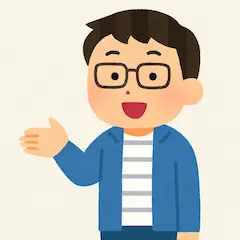
Irasutoya — Most professional, safest for business use.
Irasutoya style produces the most "presentation-ready" outputs. Clean lines, soft palettes, expressions that read clearly even at small sizes. It's the style you'd pick for a slide deck, a tutorial, or a friendly product illustration. Failure mode: everything looks nice even when the prompt calls for tension or drama — Irasutoya doesn't do "grumpy" well.
Verdict: Use for business presentations, educational materials, tutorials, professional branding. Skip for anything requiring visual conflict.
Ghibli — Best backgrounds, tricky character consistency.
Ghibli-style outputs shine when the prompt is about atmosphere — rainy windows, forest paths, twilight scenes, cozy interiors. The backgrounds are genuinely beautiful. Character consistency is harder: the same character across multiple generations often looks like slightly different people, because the style prioritizes environmental detail over character locks.
Verdict: Use for atmospheric scenes, book illustrations, storytelling. Multi-character consistency requires more prompt engineering.
Pixel Art — Cleanest constraints, works for retro projects.
Pixel Art produces exactly what you'd expect — clean pixel edges, limited palettes, that 16-bit or 32-bit gaming feel. It's remarkably consistent because the constraints are so strict. Failure mode: it can't do "realistic" pixel art with subtle shading; it looks its best when the subject is chunky and stylized.
Verdict: Use for game assets, retro-themed content, nostalgic profile pictures. Not the tool for realistic scenes.
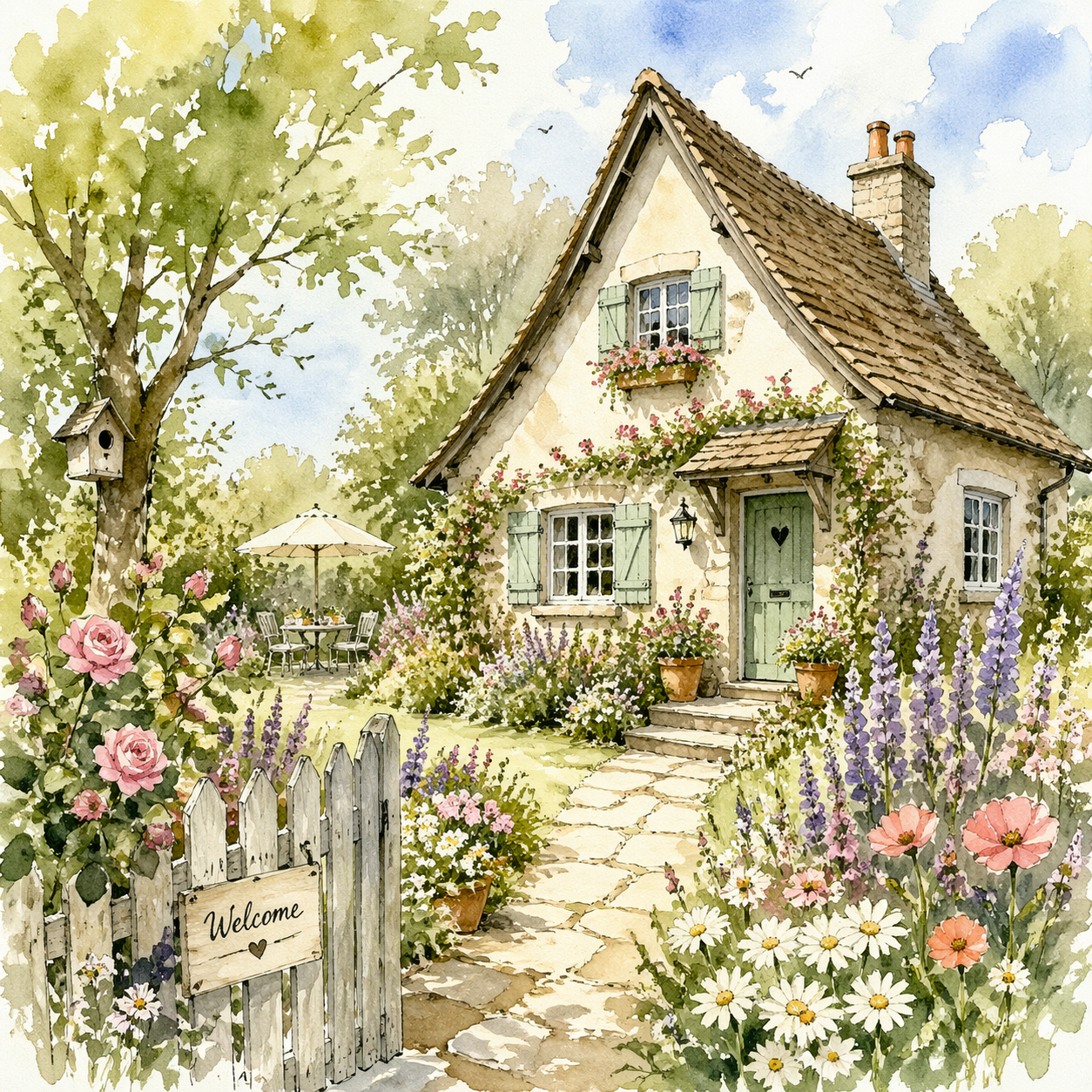
Watercolor — Prettiest results, hardest to prompt.
Watercolor is the style most people underestimate. When it works, the outputs look genuinely artistic — soft washes, visible paper texture, luminous colors. When it doesn't, they look like muddy blurs. Prompts need to be specific about lighting and mood; vague prompts produce vague blobs.
Verdict: Use for wedding invitations, children's book illustrations, lifestyle content. Spend more time on prompt specificity than usual.
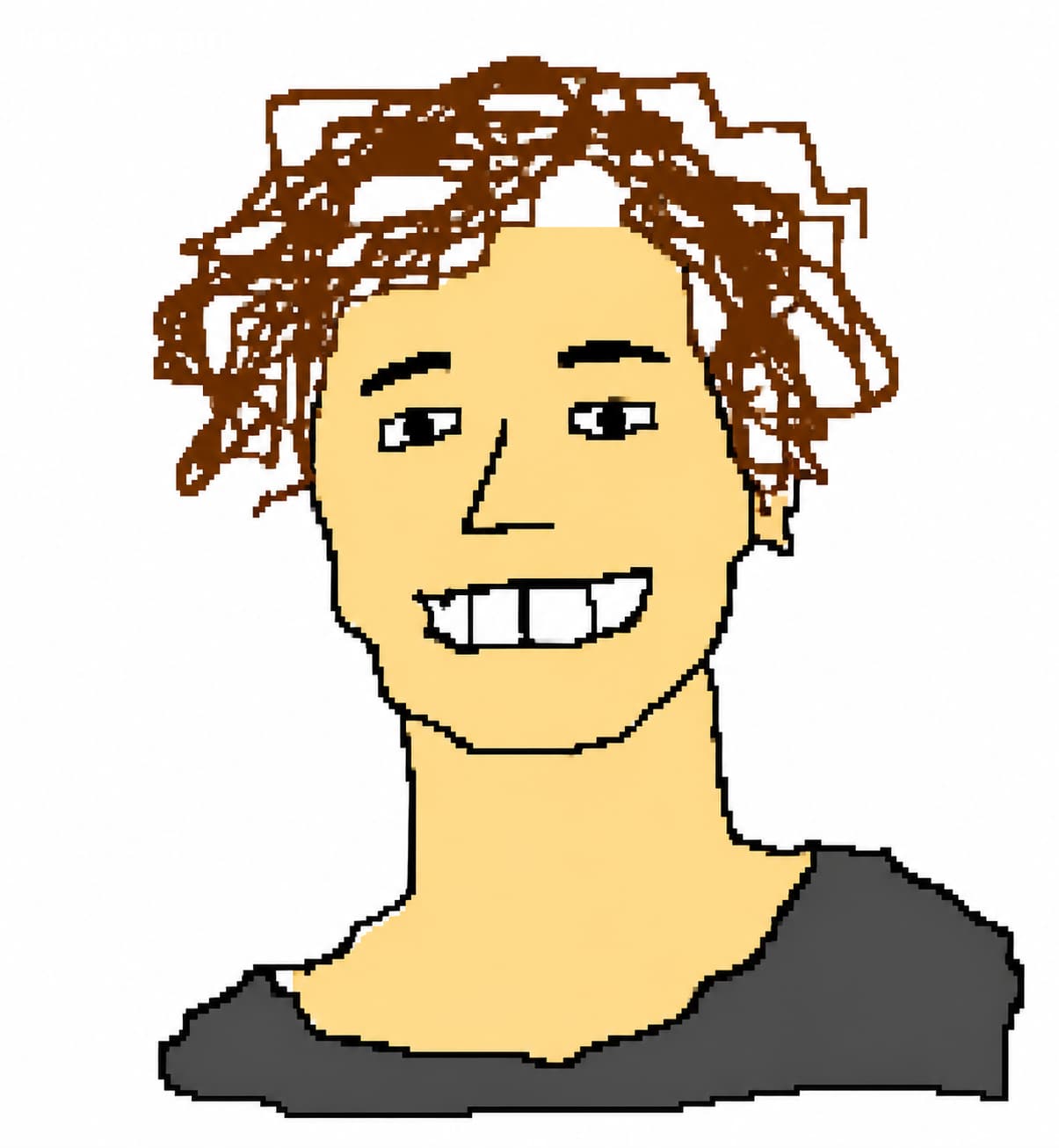
Scribble — The bad-on-purpose winner.
Scribble is designed to look terrible, and it succeeds. Wobbly lines, jagged pixels, flat fills, and just enough recognizability to be funny. It's the only style where "the output looks bad" is a feature, not a bug. Failure mode: sometimes it tries to be too polished (the model wants to help), so you may need to regenerate a few times to get peak awfulness.
Verdict: Use for memes, reaction images, shitposting, "ugly art" content. Perfect for group chats.
Paper Cut — Best material texture, clearest layered depth.
Paper Cut rebuilds a subject from matte cardstock planes with visible grain, cut edges, and soft shadows. It is strongest when the scene has a clear foreground, middle-ground, and background: portraits, pets, simple landscapes, and editorial scenes all read well. The trade-off is deliberate simplification. Tiny text, exact technical diagrams, and editable physical cutting templates are outside the style's purpose.
Verdict: Use for tactile portraits, keepsakes, educational scenes, and warm editorial artwork. Choose another style when you need photorealism or editable vectors.
The Honest Summary
- AI can draw cartoons. Well, in some styles. Excellently, in a few.
- Material-led styles change the result as much as subject prompts do. Paper Cut adds depth through layers and shadows, while Scribble intentionally removes polish.
- AI cannot yet lock character consistency across generations. If you need the same character in 5 illustrations, plan on prompt engineering and regenerations.
- AI struggles with hands and complex spatial relationships. Cartoon styles hide this better than realistic styles do, but it's still there.
- AI is faster and cheaper than any alternative. A $10/month plan produces more custom cartoons than a $50/hour artist could deliver in a year.
The right question isn't "can AI draw cartoons?" — it can. The right question is "which style should I use for this specific project?" Different styles have different strengths, and the fastest way to figure out yours is to generate the same prompt in a few styles and compare.
Try It Yourself
If you want to run your own comparison, most cartoon AI tools give you a free first generation. Use it. Pick a specific prompt from a real project you're working on, generate in 2-3 styles, and see which one you'd actually publish. For a focused material test, try the Paper Cut AI art guide and compare the same photo with the other styles.
Not sure which style to pick? Read our guide to picking the right AI cartoon style — it walks through what each style is best for. Planning commercial use? Our licensing and brand guide covers what's actually safe and what will get you in trouble.
The AI cartoon space is going to keep evolving, but as of 2026, the answer to "can AI actually draw cartoons?" is a clear yes — with the caveat that picking the right style matters more than picking the right tool.