How to Create Cartoon Illustrations with AI — Free Tools and Techniques for 2026
Cartoon illustrations used to mean hiring an artist or digging through royalty-free stock libraries for the same tired clip art everyone else was using. In 2026, that changed. AI cartoon generators can now produce custom illustrations in seconds, in a specific style, matching the exact scene you describe — for free, no signup, no license fees.
This guide walks through what actually works right now: which cartoon styles the current models handle well, what to look for in a generator, and how to pick a style that matches your project.
What "AI Cartoon" Actually Means
"Cartoon" is a bucket that covers wildly different aesthetics. Japanese-style manga, Western Saturday-morning cartoons, minimalist flat illustrations, chibi (super-deformed cute characters), pixel art — they all get called "cartoon" but they generate from very different prompts and look nothing alike.
The AI tools that work best today are the ones that have been tuned for a specific style, not the generalist "AI art" tools that try to do everything. A specialized cartoon generator will nail the proportions, line weight, and color palette that make a specific style recognizable. A generalist tool will give you something that's sort of cartoon-shaped but drifts toward whatever's most common in its training data (usually anime-adjacent).
Seven Cartoon Styles Worth Knowing
Here are the styles that produce the best AI-generated results in 2026, ranked by "how cartoon-y" they feel:
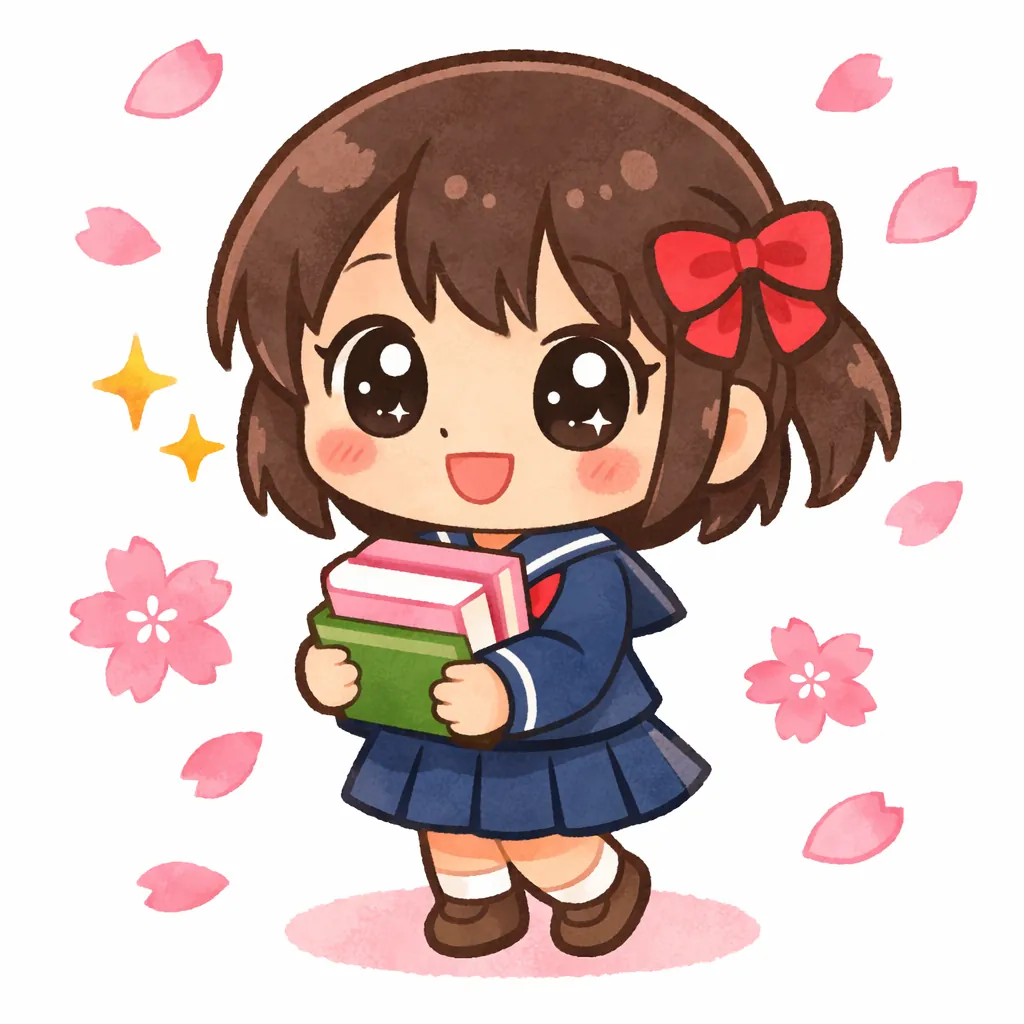
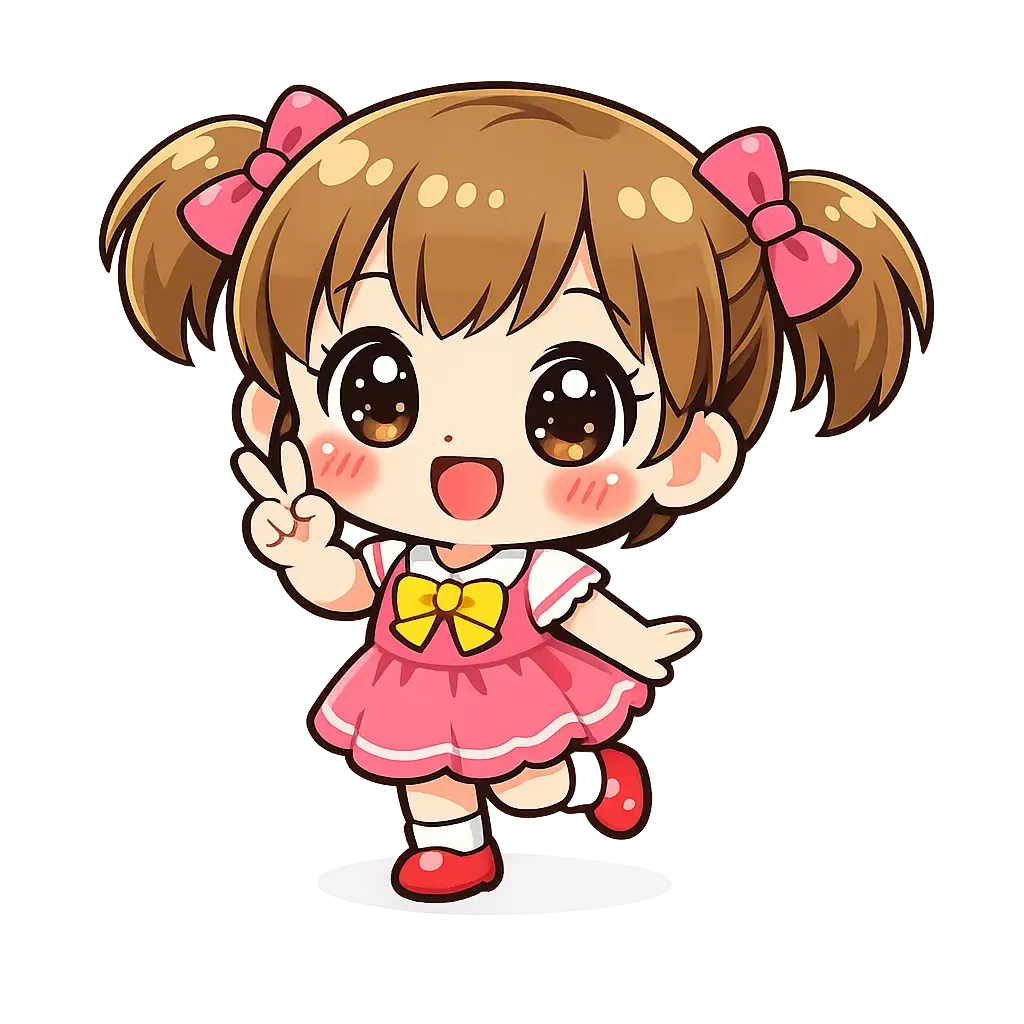
1. Chibi — Oversized head, tiny body, big expressive eyes. The most "cartoon" of the cartoons. Perfect for social media avatars, stickers, and content aimed at younger audiences.
2. Anime — The modern Japanese anime look: dramatic lighting, saturated colors, sharp linework. Great for character art, fan art, and anything that needs high visual energy.
3. Irasutoya — Soft pastel colors, dot eyes, clean outlines. The Japanese "cute business illustration" style you've seen in PowerPoints and educational materials. Ideal for professional slides, tutorials, and friendly branding.
4. Ghibli — Rich detailed backgrounds, warm earthy palette, storybook feel. Best for atmospheric scenes and character illustrations that need depth.
5. Pixel Art — Clean pixel edges, limited palettes, that 16-bit or 32-bit gaming feel. Ideal for game assets, retro-themed content, nostalgic profile pictures — anything that leans into a chunky, stylized aesthetic.
6. Watercolor — Soft translucent washes, visible paper texture, gentle blending. Not "cartoon" in the strict sense but perfect for children's book vibes and lifestyle content.
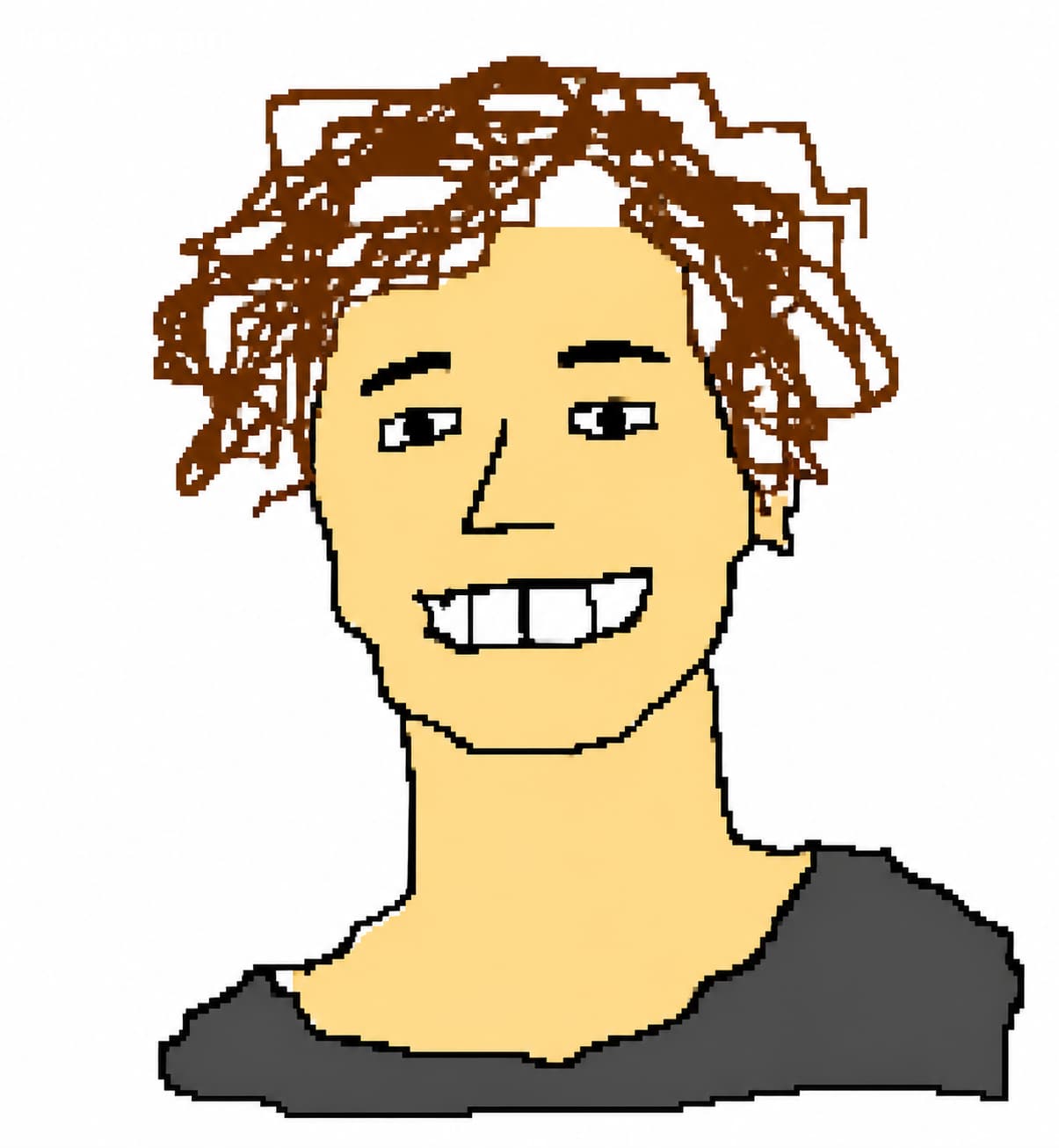
7. Scribble — Deliberately clumsy MS Paint aesthetic. For memes, reaction images, and anywhere polish would kill the joke.
Different styles serve different jobs. A brand mascot benefits from Chibi. A YouTube thumbnail wants Anime. A slide deck wants Irasutoya. A retro game asset wants Pixel Art. A meme wants Scribble.
What to Look For in a Free AI Cartoon Generator
Not all free tools are created equal. Here's what actually matters:
- No signup wall for the first generation. If a tool makes you register before you can test the quality, they're gating on friction rather than confidence in output.
- Multiple distinct styles. One style means one look. Multiple styles means you can find the right one for the specific project.
- Text-to-image AND image-to-image. Sometimes you have a photo you want stylized. Sometimes you have an idea and need to describe it. Good tools support both.
- Clear licensing terms. If the tool won't tell you whether you can use the output commercially, assume you can't.
- Fast generation. Under 30 seconds per image. Longer means expensive iteration.
Commercial Use — Read Before You Ship
Free tools usually restrict output to personal use. If you're using AI cartoons in a business context (marketing materials, product packaging, ads, branded content), you almost always need a paid plan that includes commercial rights.
One thing worth watching: some styles are inspired by well-known illustration brands (like Irasutoya or Studio Ghibli). Even with commercial rights, those cover the AI output itself — not the underlying brand. If you're planning to register a trademark or file for brand protection, generic techniques (Chibi, Anime, Watercolor, Scribble, Pixel Art) are the cleaner path.
Getting Started
The fastest way to figure out which style fits your project is to run the same prompt through several styles and compare. Take a concrete subject — "a cheerful woman with glasses wearing a yellow raincoat" — generate it in Chibi, Anime, and Irasutoya, and look at which one you'd actually publish.
Most AI cartoon generators today ship with 3-5 styles. A few (including ours) ship with 7, so you can compare more variants without switching tools.
Want the honest side-by-side of what each style actually produces? We tested all 7 with the same prompt. Planning to use the results commercially? Read our commercial use and licensing guide before shipping — the brand-vs-style distinction matters more than most guides admit.