1980s AI Photo Prompt: Tested Before-and-After Results
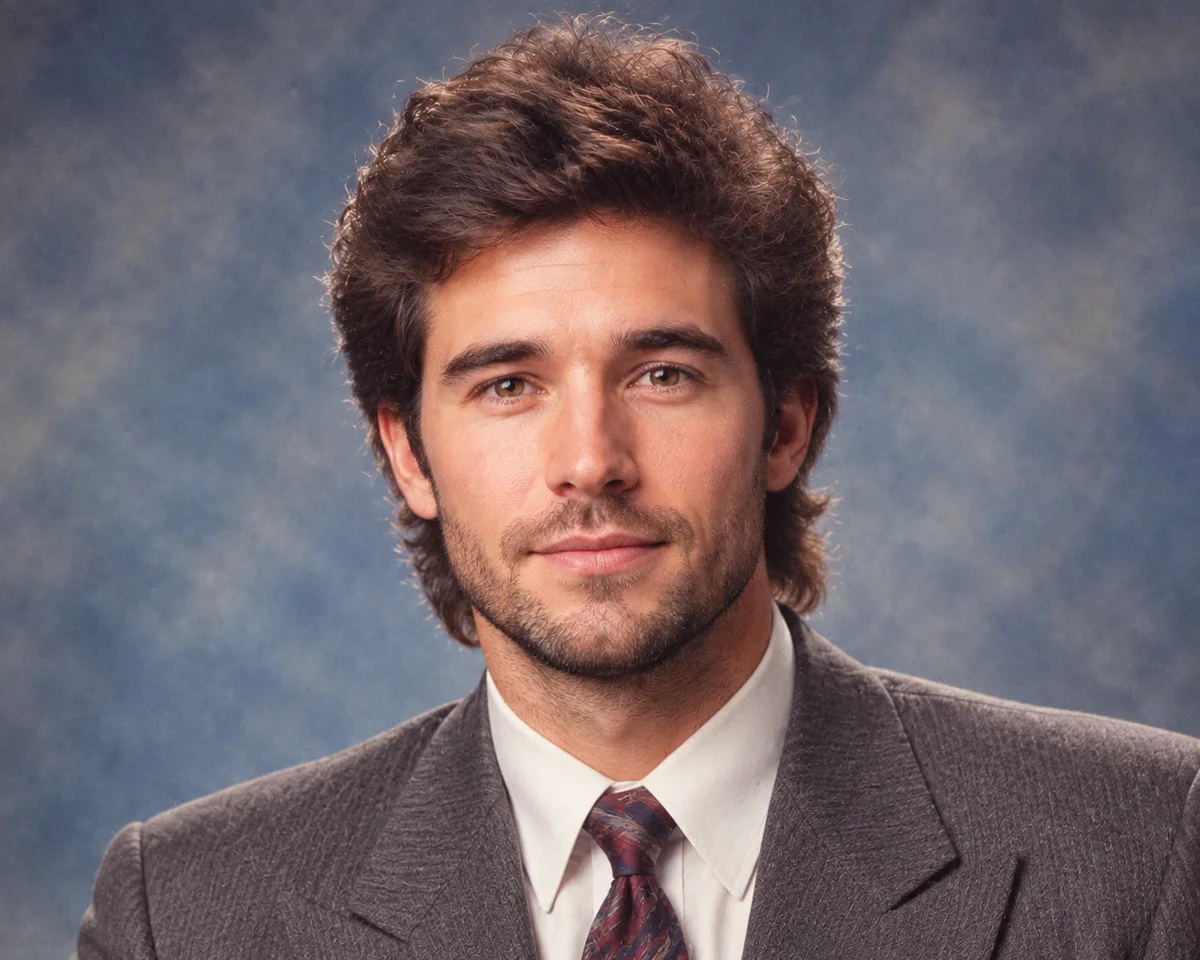
The 1980s AI photo prompt trend promises a department-store studio portrait from one uploaded face. We tested the workflow twice with GPT Image 2 to see whether the same person stayed recognizable and whether the period styling appeared consistently.
This is a ready-to-use tested prompt, not a guarantee. Identity, hair, clothing, and small facial details can still vary between generations.
The Tested 1980s Photo Prompt
Upload a clear portrait first, then use this prompt:
Create an authentic 1980s retro studio portrait using the uploaded person as the sole facial identity reference.

IDENTITY
Preserve the person's recognizable facial structure, eyes, nose, lips, skin tone, apparent age, and natural expression. The result must remain clearly recognizable as the same person.

COMPOSITION
Keep the original head position, pose, camera angle, and upper-body framing. Keep the full hairline and both shoulders visible.

1980s TRANSFORMATION
Change only the hairstyle, wardrobe, backdrop, lighting, and photographic finish. Use a period-appropriate softly voluminous hairstyle, structured 1980s clothing, restrained geometric accessories, and a hand-painted blue-grey department-store studio backdrop.

PHOTOGRAPHY
Soft frontal flash, gentle facial fill, warm slightly faded color film, subtle 35mm grain, mild halation, natural skin texture, restrained retouching, and an authentic 1980s portrait-studio finish.

AVOID
Do not change facial identity, apparent age, body proportions, pose, or expression. No modern clothing, contemporary objects, plastic skin, beauty-filter face, distorted anatomy, text, logos, borders, or watermarks.
Actual Before-and-After Results
The source below is a fictional, AI-generated adult portrait created for this test. No real person's identity or private photograph was used.
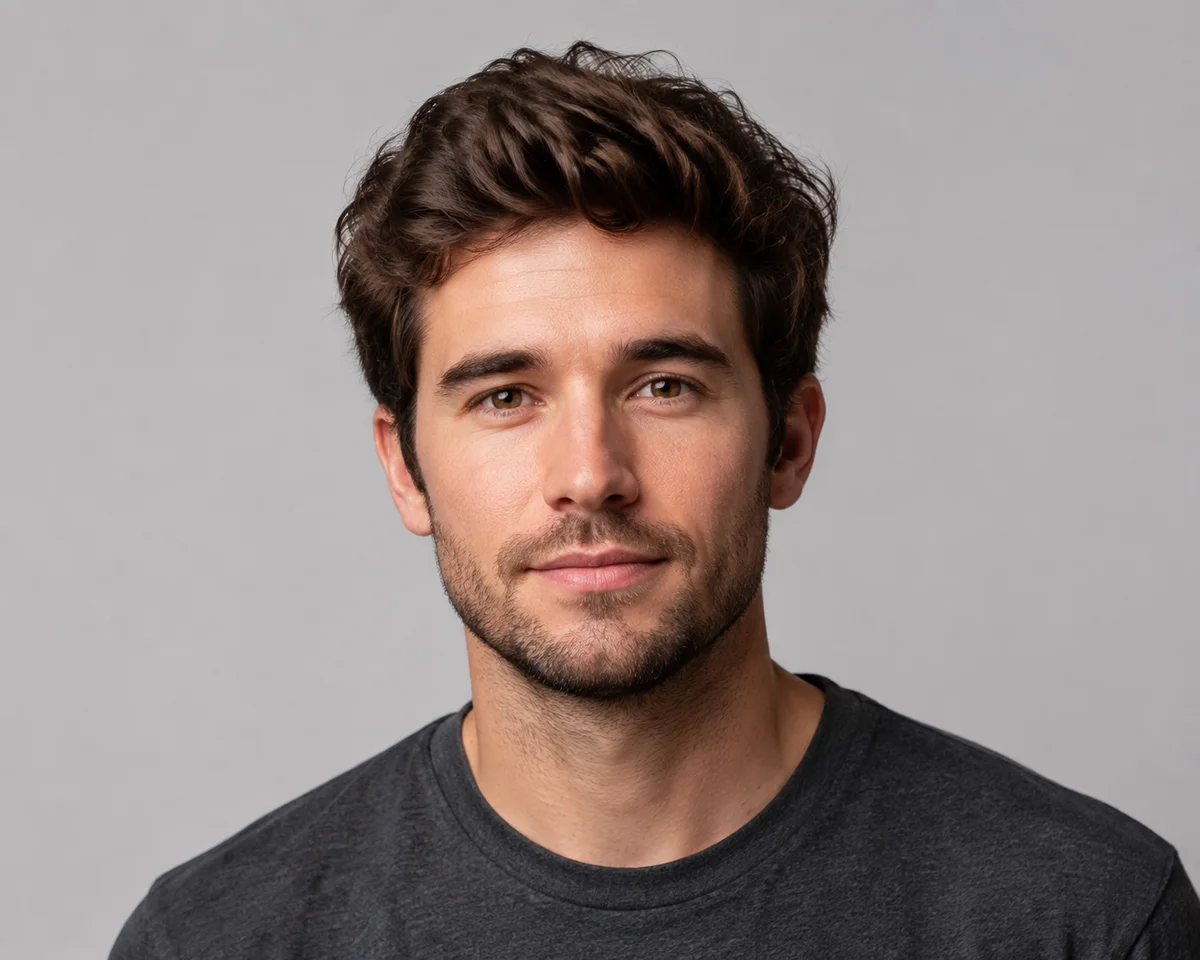
Result 1
Result 2
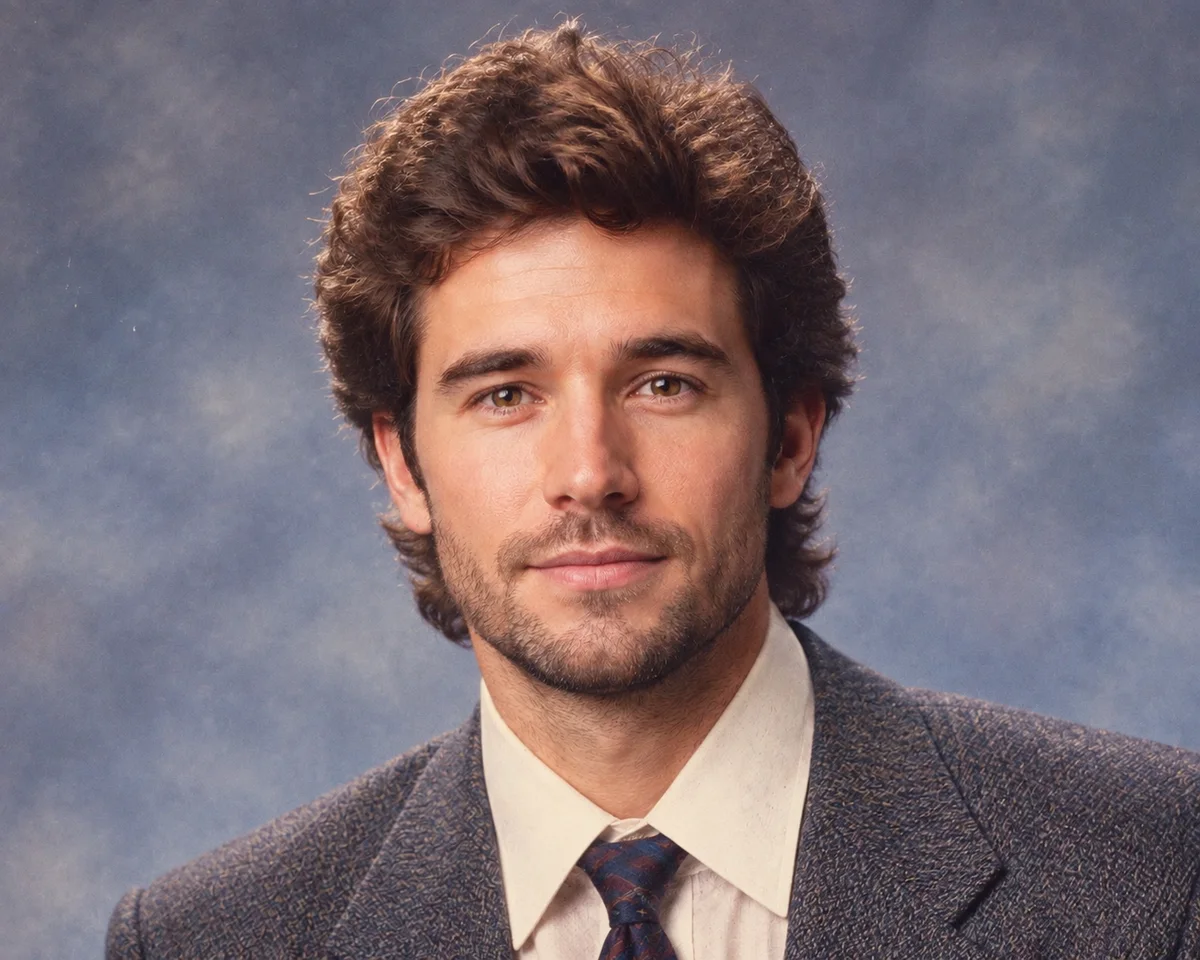
Both generations preserved the subject's face, expression, eye color, camera angle, and shoulder framing. Both also introduced a fuller period hairstyle, broad-lapel formal clothing, a painted blue-grey backdrop, softer flash, and faded film color.
The exact jacket, tie, and hair shape changed between results. That variation is normal for image generation and is why the prompt separates identity constraints from the parts that may be restyled.
What Makes a Good Input Photo?
- Use one adult subject in clear, even light.
- Include the full hairline, neck, and both shoulders.
- Prefer a front-facing or simple three-quarter angle.
- Avoid beauty filters, sunglasses, heavy motion blur, and extreme shadows.
- Keep hands out of frame unless they are important to the composition.
A tightly cropped selfie gives the model less information about hair and clothing. A clean bust portrait usually produces a more convincing studio result.
Why This Prompt Is More Reliable Than One Line
Short prompts such as make this look like the 1980s leave the model to decide what may change. The structured version separates four concerns:
- Identity features that should remain recognizable.
- Composition that should stay close to the source.
- Period details that are allowed to change.
- Common artifacts and modern elements to avoid.
The same principle applies when creating an AI illustration from a photo: state what must remain, then describe the visual treatment. For a broader quality comparison, see our seven-style cartoon test.
Limitations
We tested this exact prompt twice on one fictional source portrait. It worked in both runs, but that is not enough evidence to promise identical performance for every face, age, hairstyle, skin tone, or lighting condition.
Generated portraits should not be used as identity documents or evidence of a real historical photograph. Review facial details carefully before publishing. Current generation credits and watermark-free download options are listed on the pricing page.
Prefer an Illustrated 80s Look?
The photo prompt above aims for a realistic portrait-studio result. Our 80s Retro illustration style instead uses airbrush, gouache, textured paper, graphic shadows, and a restrained period palette. Browse the full illustration style directory when you want artwork rather than a photo effect.

Start with a clear source image, keep the identity constraints explicit, and compare more than one result before choosing the final portrait.