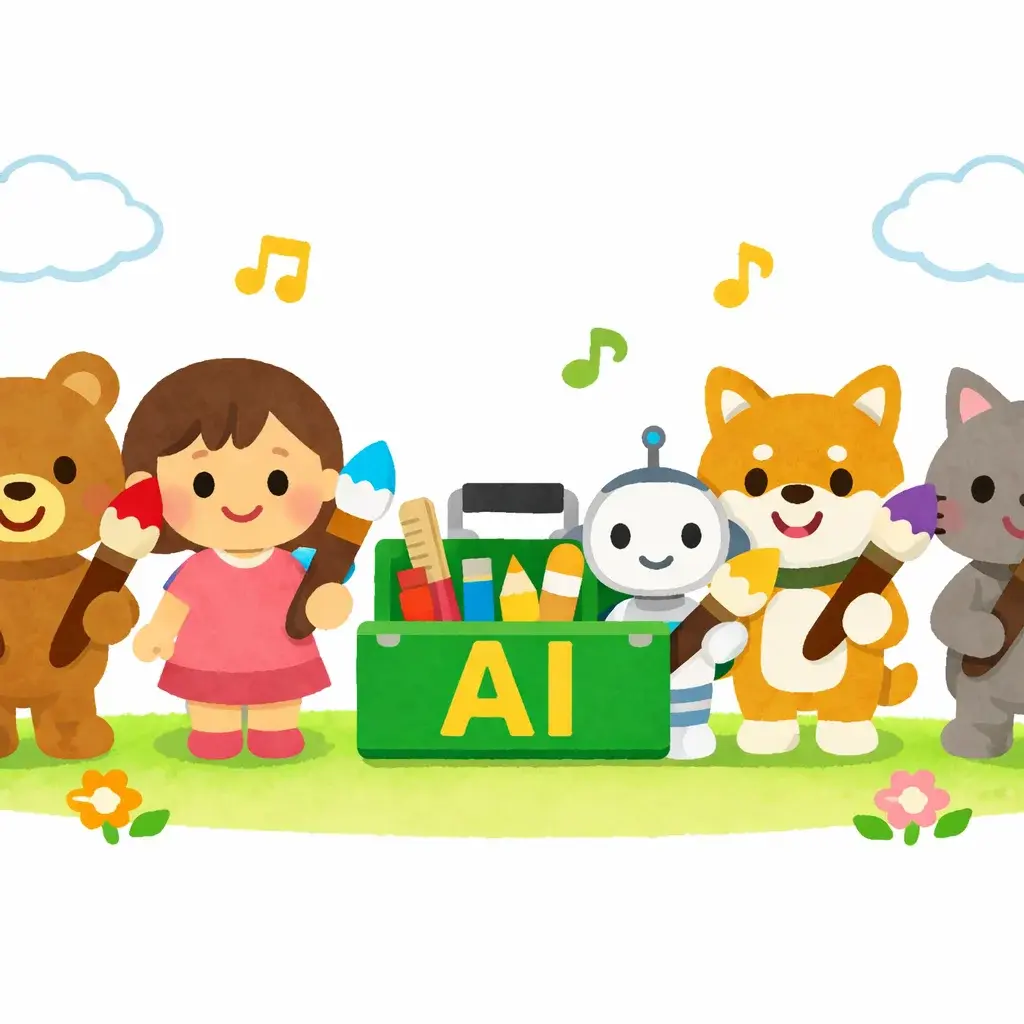
5 Best Free Irasutoya Alternatives for AI-Generated Illustrations in 2026
Irasutoya (いらすとや) is legendary. With thousands of free clip-art illustrations, it's become the go-to resource for presentations, social media, and memes across Japan and beyond. The site gets over 2 million visits per month.
But here's the problem: sometimes the exact illustration you need doesn't exist. You want "a corgi wearing a chef's hat while coding" — and Irasutoya doesn't have that.
That's where AI alternatives come in. Here are the 5 best free tools for generating custom Irasutoya-style illustrations.
1. Irasutoya.pro — The Specialist
Best for: Authentic Irasutoya style with zero effort
Irasutoya.pro is purpose-built for one thing: generating illustrations that look like they came straight from the original Irasutoya site. The AI model is specifically trained on the Irasutoya aesthetic.
Pros:
- Most accurate Irasutoya style reproduction
- Simple text prompts — no style keywords needed
- Free to use
- Supports multiple languages for prompts
Cons:
- Focused on one style (by design)
Try this prompt: "A group of office workers having a meeting, one person is secretly sleeping"
2. ChatGPT (GPT-4o) — The All-Rounder
Best for: People who already have a ChatGPT subscription
ChatGPT's image generation can approximate the Irasutoya style, but you'll need to be specific in your prompts. Add keywords like "irasutoya style, soft watercolor, dot eyes, pastel colors, simple clip art" to get closer to the look.
Pros:
- Versatile — can mix Irasutoya with other styles
- Good for experimentation
Cons:
- Requires ChatGPT Plus ($20/month)
- Needs detailed prompt engineering
- Inconsistent style accuracy
3. Style AI (styleai.art) — The Photo Converter
Best for: Turning real photos into Irasutoya-style illustrations
Style AI takes a different approach — upload a photo and it transforms it into Irasutoya style. Great if you want to "Irasutoya-fy" your own face or a group photo.
Pros:
- Photo-to-illustration conversion
- Quick results
- Fun for avatars and profile pictures
Cons:
- Limited to photo conversion (no text-to-image)
- Style accuracy varies with complex photos
4. AI Irasutoya (aisozai.com) — The Material Library
Best for: Finding and generating stock illustration materials
AI Irasutoya combines a library of pre-generated AI illustrations with generation capabilities. It's positioned as an "AI stock illustration" service.
Pros:
- Browse existing AI-generated illustrations
- Good variety of categories
- Free to use
Cons:
- Less control over custom generation
- Style may not be as close to original Irasutoya
5. LogoAI Irasutoya Generator — The Simple Converter
Best for: Quick photo-to-cartoon conversions
LogoAI offers a dedicated Irasutoya generator page that converts photos into the characteristic Japanese cartoon style.
Pros:
- Very simple interface
- No account required
- Fast processing
Cons:
- Photo-based only
- Limited customization options
Quick Comparison Table
| Tool | Type | Free? | Style Accuracy | Best Use Case |
|---|---|---|---|---|
| Irasutoya.pro | Text-to-image | Yes | ★★★★★ | Custom illustrations |
| ChatGPT | Text-to-image | No ($20/mo) | ★★★☆☆ | Experimentation |
| Style AI | Photo-to-image | Partial | ★★★★☆ | Avatar creation |
| AI Irasutoya | Library + Gen | Yes | ★★★☆☆ | Stock materials |
| LogoAI | Photo-to-image | Partial | ★★★☆☆ | Quick conversions |
But What About the Original Irasutoya Site?
The original irasutoya.com is still amazing and should be your first stop. It has an incredible range of free illustrations. The AI alternatives are for when you need something truly custom — a specific scene, character, or situation that doesn't exist in the library.
Pro tip: Use the original site for common scenarios (business meeting, family dinner, seasons) and AI tools for creative or niche requests.
Our Pick
If you need authentic Irasutoya-style illustrations and want the simplest workflow, Irasutoya.pro is the clear winner. It's free, accurate, and requires no prompt engineering. Just describe what you want and get a result that looks like it belongs on the original site.
For photo conversions, Style AI is your best bet. And if you're already a ChatGPT power user, it's worth trying there first — just expect to spend more time on prompts.