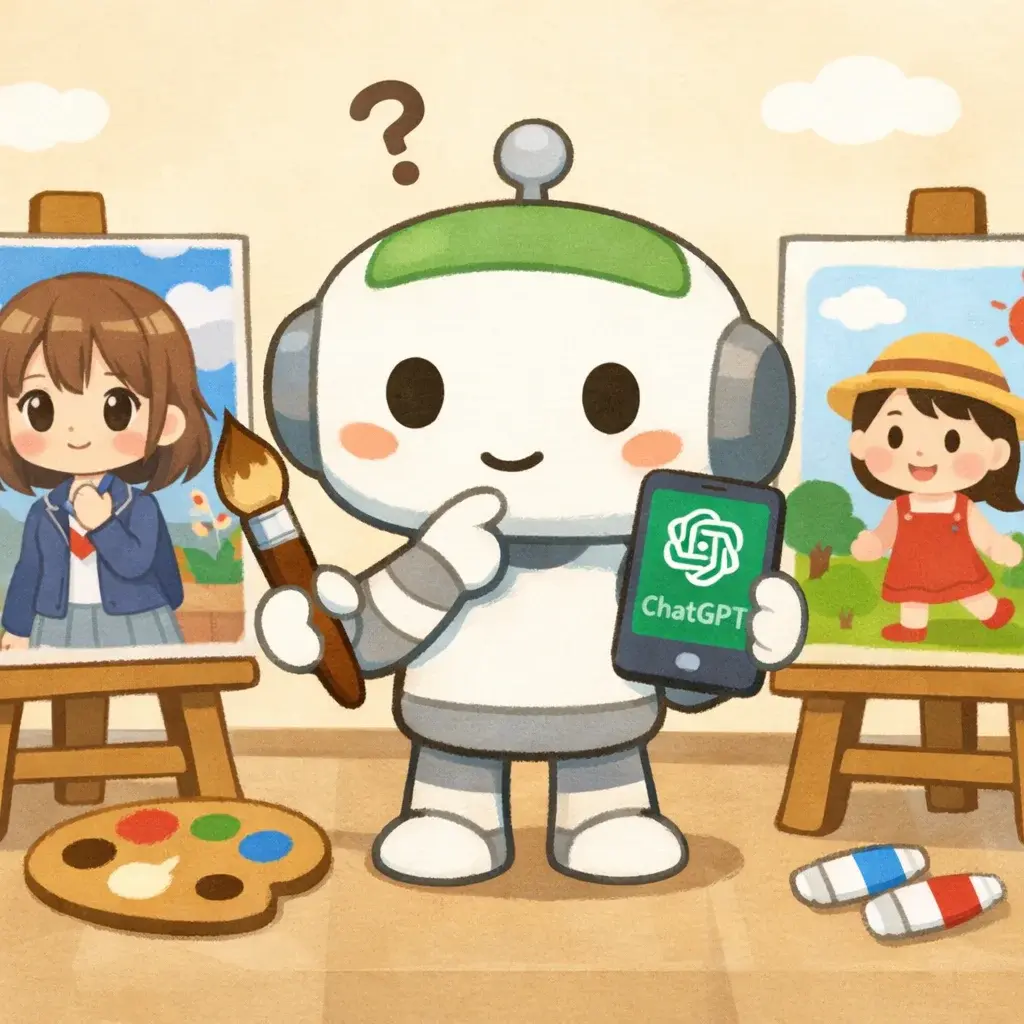
Irasutoya Style with ChatGPT vs Dedicated AI Tools: Which Is Better?
The viral Ghibli-style image trend on ChatGPT made everyone realize: AI can replicate specific art styles. Naturally, people started asking — can ChatGPT create Irasutoya-style illustrations too?
The short answer is yes, but with significant trade-offs. Let's break it down.
What Happens When You Ask ChatGPT for Irasutoya
If you type "draw a cat sleeping on a desk, irasutoya style" into ChatGPT (GPT-4o or later), you'll get something... close. It understands "cute," "simple," and "Japanese clip art." But here's what typically goes wrong:
- The line style is off. ChatGPT tends to produce cleaner, more vector-like lines instead of Irasutoya's signature soft, slightly textured strokes.
- Colors are too saturated. Real Irasutoya illustrations use muted, pastel watercolor tones. ChatGPT often makes them brighter and more "digital."
- Proportions vary wildly. Sometimes you get something adorable; other times, the character looks like it belongs in a completely different art style.
- Inconsistency between generations. Ask for the same prompt twice, and you might get two completely different styles.
The Prompt Engineering Problem
To get decent Irasutoya results from ChatGPT, you need very specific prompts:
"A simple illustration of a girl reading a book under a tree. Irasutoya style: soft watercolor texture, rounded features, dot eyes, pastel colors, white background, simple and cute, Japanese clip art style."
That's a lot of effort for each image. And even then, results are hit-or-miss. You might need 5-10 attempts to get one usable image.
How Dedicated Irasutoya AI Tools Work Differently
Tools like Irasutoya.pro are specifically trained to understand the Irasutoya aesthetic. The difference is fundamental:
| Aspect | ChatGPT | Dedicated Tool |
|---|---|---|
| Style accuracy | ~60-70% (needs heavy prompting) | ~95% (built into the model) |
| Prompt complexity | Long, specific prompts required | Simple descriptions work |
| Consistency | Varies between generations | Consistent Irasutoya output |
| Speed | Fast, but may need retries | One prompt, one result |
| Cost | Requires ChatGPT Plus ($20/mo) | Free tier available |
Real Comparison: Same Prompt, Different Results
Let's try: "A penguin working at a computer in an office"
With ChatGPT: You'll likely get a stylized illustration that's cute but looks more like generic cartoon art. The penguin might have detailed feathers, shadows, and a modern illustration feel.
With Irasutoya.pro: You get the authentic look — soft outlines, watercolor-like coloring, the characteristic dot eyes, and that unmistakable "I've seen this in a Japanese government pamphlet" vibe.
When to Use Each Tool
Use ChatGPT when:
- You need a one-off image and don't care about exact style matching
- You're already paying for ChatGPT Plus
- You want to experiment with mixing styles (e.g., "Irasutoya meets cyberpunk")
Use a dedicated tool like Irasutoya.pro when:
- You need consistent Irasutoya style across multiple images
- You're creating content for a brand or presentation that needs a uniform look
- You want quick results without prompt engineering
- You want free generation without a subscription
Pro Tips for Better Results (Either Tool)
- Be specific about the scene, not the style. Instead of "cute cat," say "a tabby cat sitting on a stack of books, looking sleepy."
- Keep it simple. Irasutoya works best with clear, uncrowded compositions.
- Think in scenarios. The magic of Irasutoya is putting cute characters in relatable situations — meetings, cooking, commuting.
- White backgrounds work best. The classic Irasutoya look uses plain white or very light backgrounds.
The Bottom Line
ChatGPT is a Swiss Army knife — it can do many things, but it's not specialized. For authentic Irasutoya-style illustrations, a dedicated tool gets you there faster, cheaper, and with better consistency.
Ready to try the difference yourself? Visit Irasutoya.pro and generate your first illustration quickly — no prompt engineering required.