Irasutoya Maker vs Picrew — Which Character Creator Should You Use?
Looking for a character creator to make custom avatars or illustrations? Irasutoya Maker and Picrew are two popular options, but they work very differently. Here's a detailed comparison to help you choose.
Quick Comparison
| Feature | Irasutoya Maker | Picrew |
|---|---|---|
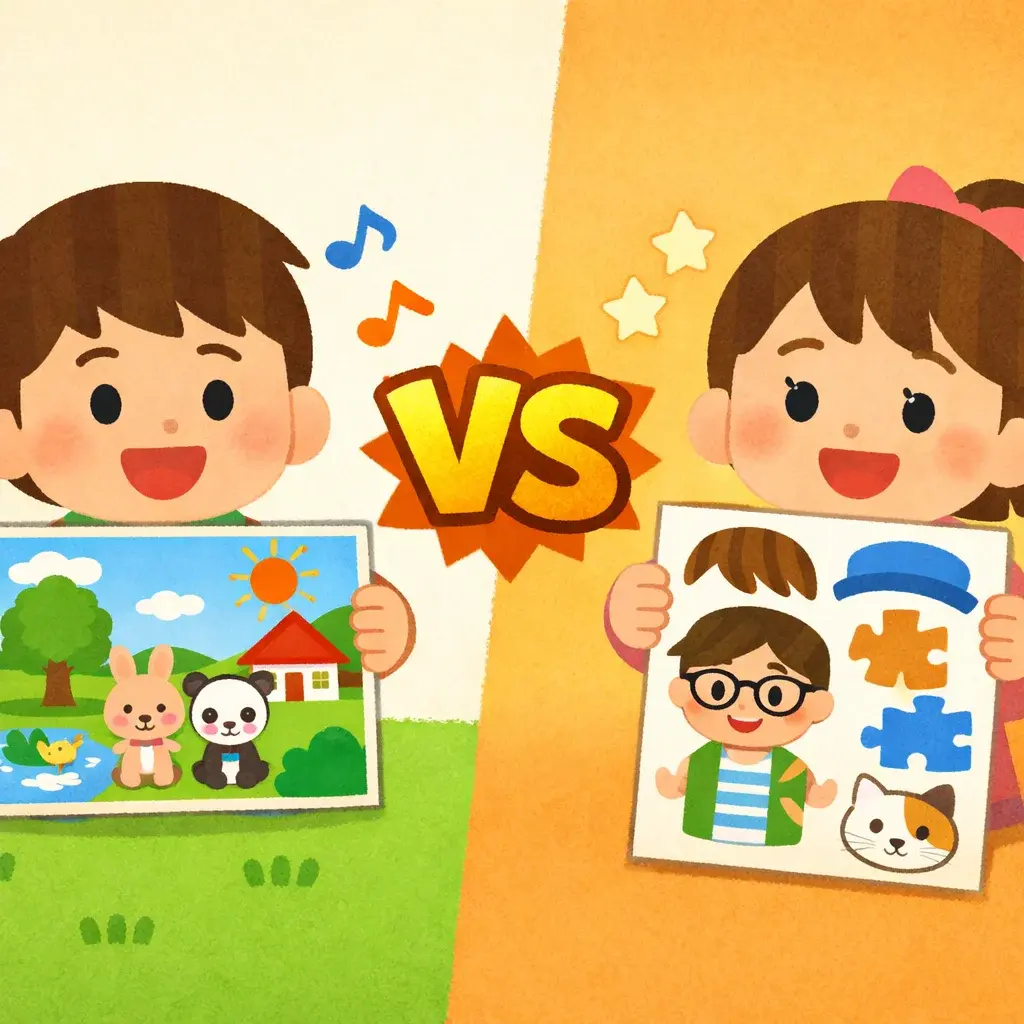
| How it works | AI generates from text descriptions | Mix-and-match preset parts |
| Art style | Irasutoya (soft, cute Japanese illustration) | Varies by creator (hundreds of styles) |
| Customization | Unlimited — describe anything | Limited to available parts |
| Full scenes | Yes — characters + backgrounds + props | Usually face/upper body only |
| Languages | English, Chinese, Japanese, Korean, + more | Primarily Japanese |
| Signup required | No | No |
| Price | Free tier available | Free |
What is Picrew?
Picrew is a Japanese avatar maker platform where artists upload character creation templates. Users mix and match pre-drawn parts — hairstyles, eyes, accessories, clothes — to build a character. It's popular for creating social media avatars.
Picrew strengths:
- Huge variety of art styles from different artists
- Simple drag-and-drop interface
- Great for anime-style avatars
- Completely free
Picrew limitations:
- Limited to preset parts — you can't create something truly unique
- Most makers only do face/bust shots, not full scenes
- Interface is mainly in Japanese
- No way to generate custom poses or scenarios
What is Irasutoya Maker?
Irasutoya Maker uses AI to generate complete illustrations in the iconic Irasutoya style. Instead of mixing parts, you describe what you want in plain text, and the AI creates it from scratch.
Irasutoya Maker strengths:
- Unlimited creativity — describe any scene, character, or situation
- Full illustrations with backgrounds, not just avatars
- Authentic Irasutoya art style
- Supports multiple languages including English and Chinese
- Perfect for presentations, social media, and business use
Irasutoya Maker limitations:
- One art style (Irasutoya)
- AI generation means slight variations each time
- Free tier has generation limits
When to Use Each
Choose Picrew when:
- You want an anime-style avatar specifically
- You enjoy the process of mixing and matching parts
- You want to try many different art styles
- You're making a simple profile picture
Choose Irasutoya Maker when:
- You need a complete illustration with a scene (not just a face)
- You want a specific scenario that doesn't exist as a preset
- You're making content for presentations or business
- You want the universally-loved Irasutoya style
- You need multiple illustrations quickly
The Verdict
They serve different needs. Picrew is great for creating anime avatars with a hands-on, mix-and-match experience. Irasutoya Maker is better when you need custom, complete illustrations for real-world use — presentations, social media, marketing materials, or any situation where the friendly Irasutoya style shines.
Why not try both? Start with Irasutoya Maker — it's free and takes just seconds to generate your first illustration.