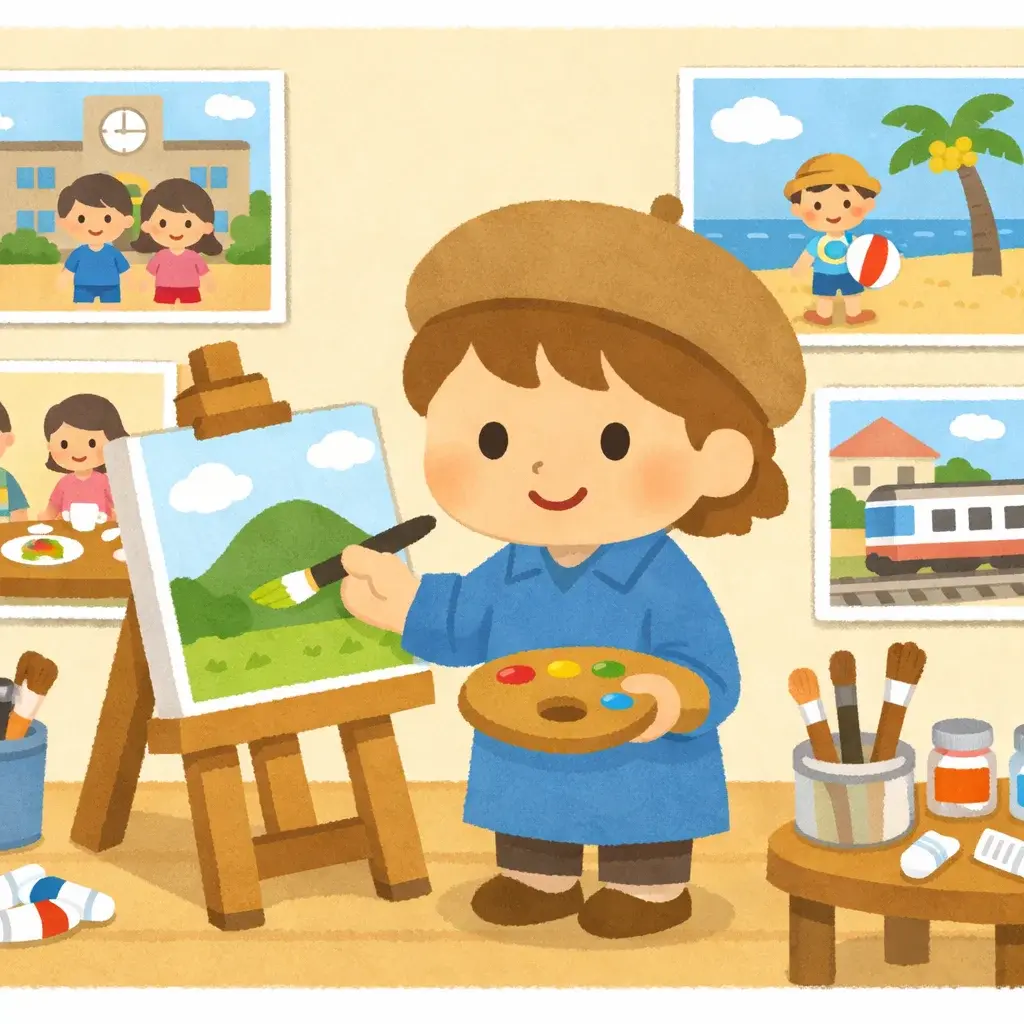
Irasutoya Art Style: Characteristics, Examples, and How to Make It
If you have ever browsed a Japanese website, opened a presentation made by a Japanese colleague, or scrolled through social media in East Asia, you have almost certainly encountered irasutoya style illustrations. These cheerful, soft-colored characters with their signature dot eyes are everywhere — and for good reason.
But what exactly is the irasutoya art style? Where did it come from, and how can you make an illustration that looks like it? This guide covers the style's characteristics, its history, and a real photo-to-illustration example.
Irasutoya.pro is an independent AI illustration tool. It is not affiliated with irasutoya.com or its illustrator, and it does not distribute the original irasutoya illustrations.
Irasutoya Art Style at a Glance
| Trait | What it looks like |
|---|---|
| Eyes | Small black dots, often with rosy cheeks underneath |
| Shapes | Rounded heads and bodies, no sharp angles |
| Color | Soft pastels and warm, muted tones |
| Shading | Flat color with a light paper or watercolor texture |
| Outlines | Smooth lines in a darker shade of the fill color |
| Background | Plain or simple: a flat color, a few bushes, a horizon line |
| Mood | Gentle, friendly expressions that read at small sizes |
The Origin and History of Irasutoya Style
The irasutoya style traces its roots to a single website: irasutoya.com, created by Japanese illustrator Takashi Mifune. Launched in 2012, the site offered thousands of free-to-use illustrations covering an astonishing range of topics — from everyday activities like cooking and commuting to highly specific scenarios like "a person who accidentally sent a message to the wrong group chat."
Mifune published new illustrations almost daily, and by the mid-2010s, irasutoya had become a cultural phenomenon in Japan. The illustrations appeared in school handouts, government notices, corporate presentations, and news broadcasts. The sheer volume and variety of the library, combined with its generous licensing terms, made irasutoya the default choice for anyone in Japan who needed a quick, friendly illustration.
Over time, the distinctive visual language of these illustrations became so widely recognized that "irasutoya style" evolved into a genre of its own — an aesthetic shorthand for approachable, non-threatening visual communication.
Visual Characteristics of Irasutoya Style
What makes an illustration look like irasutoya style? Several consistent design choices define the aesthetic:
- Soft, Pastel Colors: The palette leans toward warm pastels — gentle pinks, light blues, soft yellows, and muted greens. There are no harsh neons or stark contrasts.
- Dot Eyes: Characters have simple black dot eyes, sometimes with a small highlight. This minimal approach gives faces a universal, friendly expression that works across cultures.
- Clean Outlines: Each figure is defined by smooth, clean outlines with consistent stroke width. There is no sketchy or rough linework.
- Flat Design: Irasutoya illustrations avoid heavy shading or complex gradients. The look is flat and two-dimensional, which keeps the visual style lightweight and easy to read at small sizes.
- Watercolor-Like Texture: A subtle watercolor texture gives the illustrations warmth and a hand-painted quality, distinguishing them from purely digital vector art.
- Round, Friendly Proportions: Characters tend to have slightly oversized heads, rounded bodies, and soft postures that convey approachability.
Together, these elements create illustrations that feel warm, inclusive, and just a little bit playful — the hallmarks of true irasutoya style.
Why Irasutoya Style Became So Popular
The popularity of irasutoya was not accidental. Several factors drove its massive adoption:
-
Free and Easy to Use: The original irasutoya.com offered illustrations for free with minimal restrictions. This removed the biggest barrier for teachers, small businesses, and government agencies who needed quality visuals but had no design budget.
-
Incredible Breadth of Topics: With over 20,000 illustrations covering nearly every imaginable scenario, users could almost always find exactly what they needed. This specificity — an illustration for "a person receiving bad news on the phone" rather than just "a person on the phone" — was a game changer.
-
Cultural Neutrality: The soft, non-aggressive aesthetic of irasutoya style makes it appropriate for virtually any context. It works in a children's worksheet and a corporate safety manual alike.
-
Consistency: Every illustration shares the same visual DNA. When you use multiple irasutoya images together, they look cohesive, which is rare with free illustration libraries.
-
Internet Culture: The style became a meme format in Japan and beyond. People began creating parodies and remixes, which only increased its visibility and cultural cachet.
Common Use Cases for Irasutoya Style
Today, irasutoya style illustrations appear in a wide variety of contexts:
- Presentations and Slide Decks: The clean, friendly look is perfect for business and educational presentations. Characters add personality without distracting from the content.
- Educational Materials: Schools and universities across Japan use irasutoya images in worksheets, posters, and e-learning platforms.
- Social Media Content: Bloggers, influencers, and brands use the style for thumbnails, explainer graphics, and reaction images.
- Signage and Public Communication: Hospitals, train stations, and local governments use irasutoya-style visuals for wayfinding and public health messaging.
- Stickers and Merchandise: The characters have been adapted into LINE stickers, emoji sets, and printed goods.
From Photo to Irasutoya Art Style: An Example
The easiest way to see the style's rules is to compare a photo with an irasutoya-style version of it. Below, the first image is a stock photo and the second is what Irasutoya.pro generated from it.

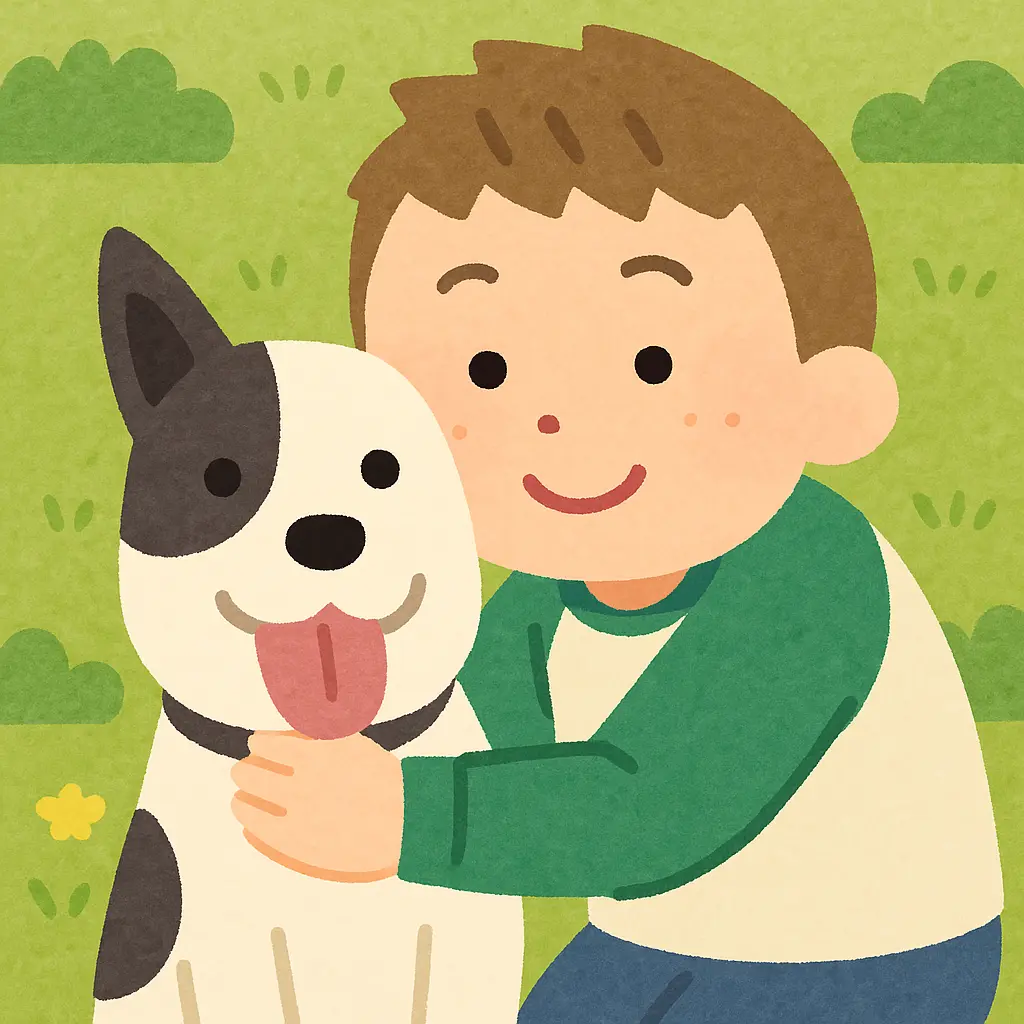
What changed, trait by trait:
- Eyes: the detailed eyes in the photo become small dots, with pink cheeks added under them.
- Shapes: the boy's head, hands, and the dog's ears become simple rounded shapes.
- Background: the blurred park turns into a flat green field with a few stylized bushes.
- Color and shading: photographic lighting is replaced with flat fills and a light paper texture.
- What stays: the pose, the green-and-white shirt, and the dog's markings, so the illustration still reads as the same moment.
That is the core of the irasutoya art style: keep the idea recognizable, remove everything that is not needed to read it.
How to Make Your Own Irasutoya Style Illustration
You can draw the style by hand by following the traits above, starting with dot eyes and rounded shapes. If you want to start from a photo or a description instead, an AI generator does the stylization for you:
- Open the irasutoya illustration maker and upload a photo, or choose to create from text.
- Keep the Irasutoya style selected. You can also compare it with other styles on the illustration styles page.
- Optionally describe what to change, such as the background or the objects someone is holding.
- Generate, then adjust the description and try again if something is off.
For characters and profile pictures, the character maker has starter prompts for avatars, team members, and classroom characters.
A few honest limits: you can try it without signing up, but anonymous sessions only get a couple of free generations a day, free downloads include a watermark, and AI output does not always get small details right, so check hands, text, and logos before you use an image. The original irasutoya.com illustrations have their own terms of use; illustrations generated on Irasutoya.pro are new images, not copies of that library.
Start Creating Your Own Irasutoya Style Illustrations
The irasutoya art style has earned its place as one of the most recognizable illustration aesthetics online. Its warmth, clarity, and simplicity work across languages and cultures, from school handouts to slide decks.